Reviewing Markdown files in GitHub pull requests is awkward. The source diff is cluttered with formatting syntax, and the rich diff view strips away line numbers, comment indicators, and any connection back to specific source lines. If you write documentation, blog posts, or README files in Markdown, you’ve felt this friction.
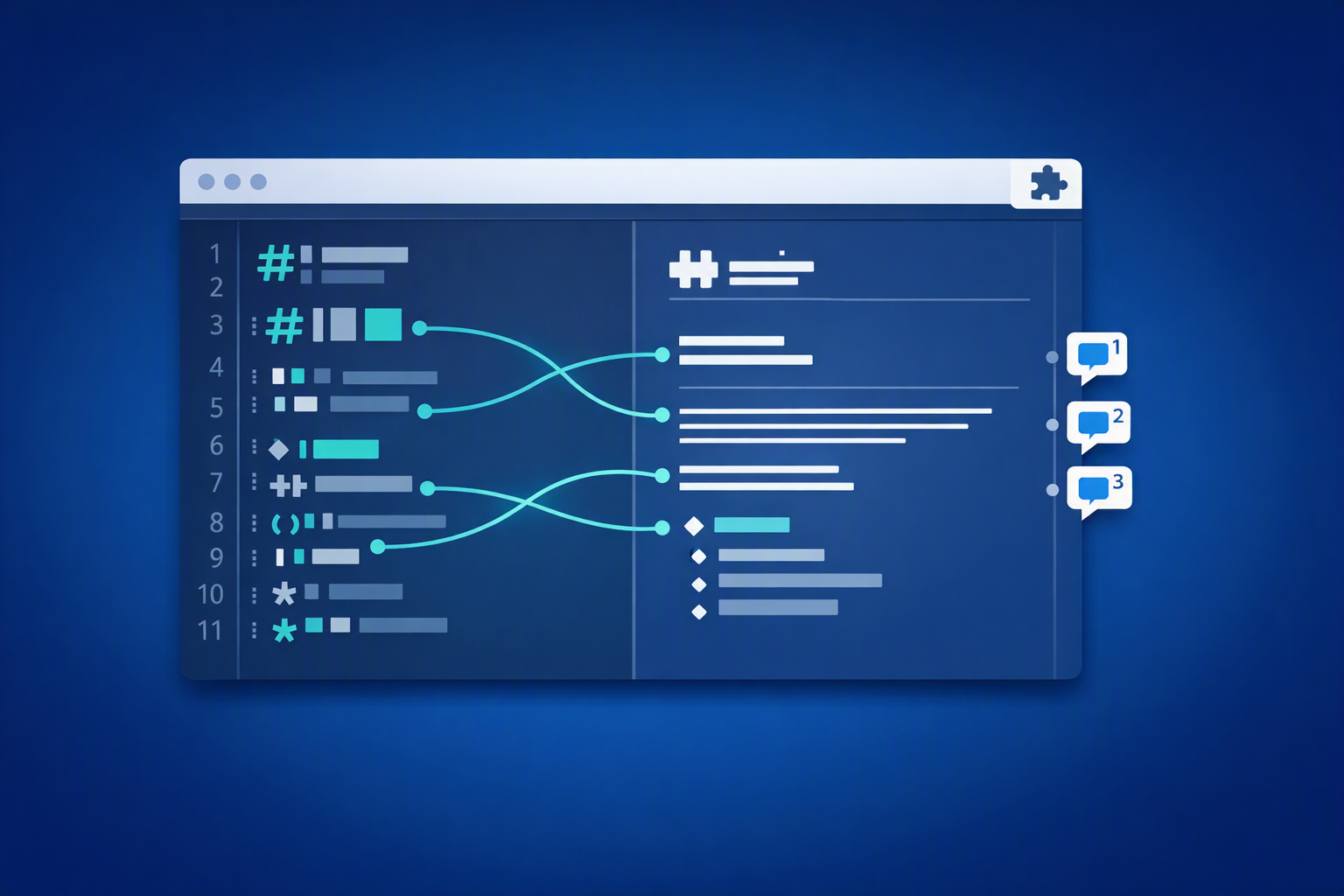
Markdown Rich Review for GitHub Pull Requests is an open-source browser extension for Chrome and Microsoft Edge that bridges the gap between the rich preview and the source diff. It adds line numbers, comment indicators, and click-to-source navigation directly into the rich diff view.
What it does
When you open a pull request’s Files changed tab and switch a .md file to GitHub’s rich diff view, the extension enhances it with several features:
- Line numbers appear alongside the rendered Markdown, giving you a reference point for every element in the preview.
- Comment indicators show a chat-bubble icon with a superscript count in the right margin for lines that already have review comments. Commented lines also get a persistent dashed outline so they stand out.
- Click-to-source navigation lets you click any element in the rich preview to jump straight to the corresponding line in the source diff. If the section is collapsed, the extension automatically expands it.
- A “Back to rich view” button appears in the header when you’re in source diff mode, so you can switch back in one click.
- A comment bar at the top of each rich diff summarizes all commented lines with quick-jump badges.
- Real-time comment tracking updates the rich diff indicators as you start a review or add new comments.
You can also pause and resume the extension at any time using the floating status badge.
Why this helps
GitHub’s rich diff is great for reading rendered Markdown, but it’s disconnected from the review workflow. You see the final output, but when you spot something to comment on, you have to manually find the same line in the source diff. That hunt-and-scroll process slows down reviews, especially for longer documents.
This extension keeps you in the rich view while giving you direct access to the source. Click the paragraph, heading, or list item that needs a comment, and the extension takes you to exactly the right line. When a colleague has already left feedback, you see it annotated right in the preview instead of needing to switch views.
Install the extension
The extension uses Manifest V3 and requires no special permissions or API tokens. It runs entirely as a content script using your existing GitHub browser session.
From a packaged release
- Download the latest
.zipfrom the GitHub Releases page. - Unzip it to a folder on your machine.
- Open your browser’s extension page:
- Edge: go to
edge://extensions - Chrome: go to
chrome://extensions
- Edge: go to
- Enable Developer mode.
- Select Load unpacked and point it to the unzipped folder.
From source
If you prefer to build from source:
git clone https://github.com/sabbour/md-review-extension.git
cd md-review-extension
Then load the project directory as an unpacked extension using the same steps above.
How it works under the hood
The extension registers a content script that runs on all github.com pages. On PR “Files changed” pages, it:
- Detects
.mdfiles among the diff containers using embedded payload metadata and DOM inspection. - Enhances the rich diff view when you switch to it, adding click handlers, line numbers, and comment indicators.
- Fetches the raw file content (using same-origin credentials) to build a line map for accurate source-position mapping.
- Navigates to the source diff on click, expanding collapsed sections and highlighting the target line.
The project structure is small and focused:
md-review-extension/
├── manifest.json          # MV3 extension manifest
├── content-script.js      # Main content script with all extension logic
├── utils/
│   └── domHelpers.js      # Shared DOM utility functions
├── styles/
│   └── reviewPane.css     # All extension styles
├── icons/                 # Extension icons (16, 32, 64px)
├── scripts/
│   └── package.mjs        # Packaging script for distribution
└── .github/workflows/     # CI for builds and releases
There are no background service workers, popups, or external API calls. Everything runs in a single content script.
Packaging and releases
To create a distributable .zip locally, run:
npm run package
This produces dist/markdown-rich-review-<version>.zip, ready for Chrome Web Store or Edge Add-ons upload.
The repository includes GitHub Actions workflows that automate packaging:
| Trigger | What happens |
|---|---|
Push to main |
Packages the extension and updates a rolling latest pre-release with the .zip |
Push a v* tag (e.g., v2.1.0) |
Creates a GitHub Release with the .zip attached and auto-generated release notes |
| Manual dispatch | Packages the extension and uploads the .zip as a build artifact |
To cut a versioned release, update the version in manifest.json and package.json, then tag and push:
git add -A && git commit -m "Release v2.1.0"
git tag v2.1.0
git push origin main --tags
Next steps
- Install the extension and try it on your next documentation PR. Grab the latest build from the Releases page.
- Browse the source code on GitHub to see how the content script maps rich preview elements back to source lines.
- File an issue or open a pull request if you run into bugs or have ideas for improvements.