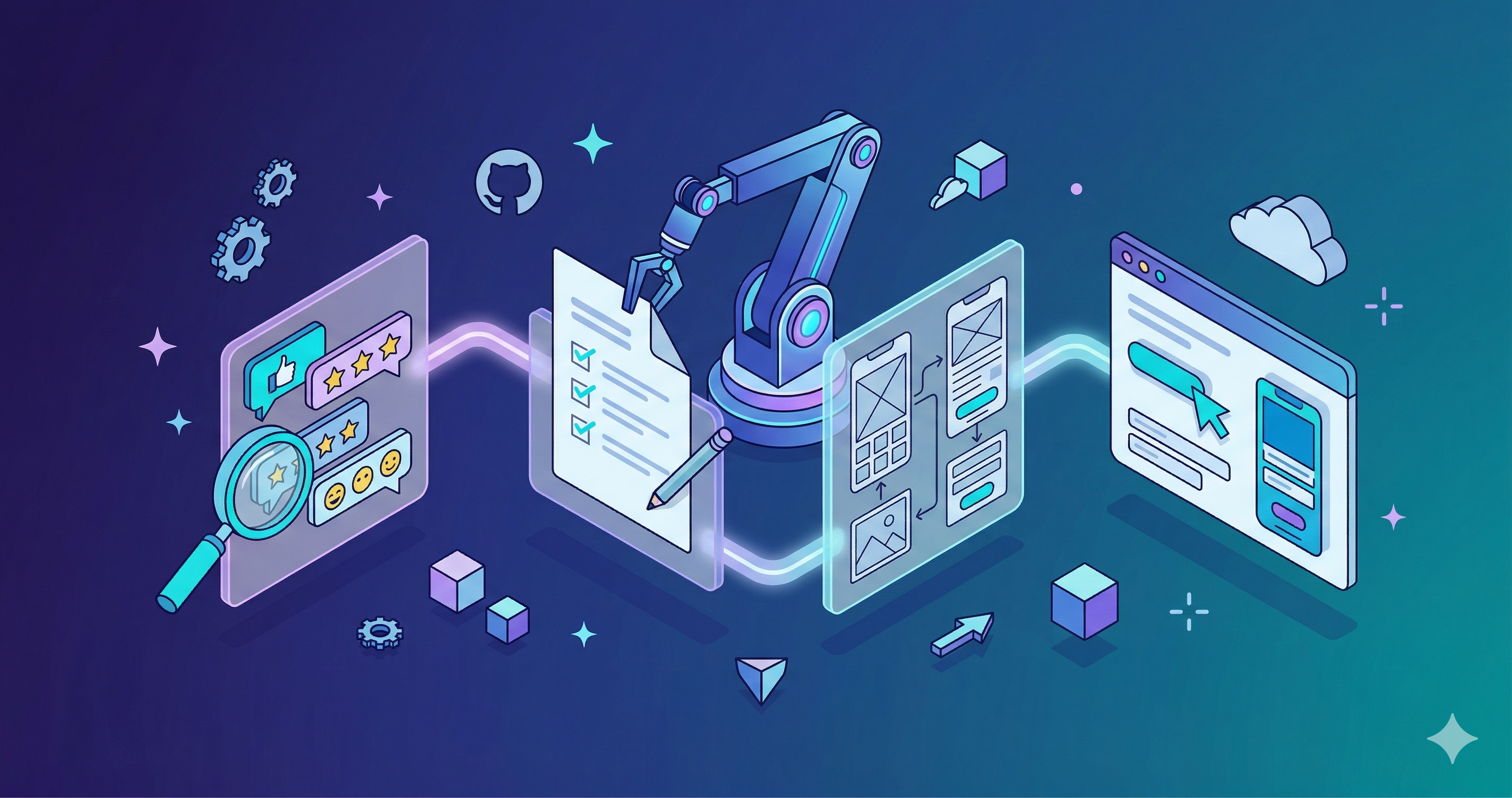
Product management involves a lot of structured, repeatable work. Gather customer signals. Write a Product Requirements Document (PRD). Get it reviewed. Name the feature. Design the user experience (UX). Build a prototype. Write a blog post about it. Each step has a predictable shape, and I kept noticing that I was giving my coding agent the same instructions over and over.
So I turned those instructions into reusable skills.
What are agent skills?
GitHub Copilot’s agent mode can follow instructions packaged as skill files. A skill is a Markdown file (SKILL.md) with YAML frontmatter that describes when the skill should trigger, plus structured instructions the agent follows to complete a task. Bundle skills into plugins, install them from a marketplace, and invoke them by name.
Skills aren’t just prompts. They’re executable knowledge. They encode a workflow, including what tools to call, what research to do first, what structure the output should follow, and what guardrails to enforce. A well-written skill makes the agent produce consistent, high-quality output without you babysitting it.
The PM workflow I automated
I packaged my PM workflows into a skills repo, organized into two plugins: one for PM workflows and one for dev workflows.
The core PM workflow chains four skills together to take a feature from initial research to a clickable prototype:
-
Gather customer signals. Searches 10+ sources (GitHub issues, Stack Overflow, Reddit, Q&A forums, email distribution lists, team channels, incident databases, support cases, telemetry) to build a comprehensive picture of customer pain.
-
Write a PRD. Takes the customer signals and a problem statement, runs parallel deep research (competitive analysis, API surface review, permissions model, ecosystem context), then writes a structured PRD in sections using subagents.
-
Design UX mocks. Translates the PRD into high-fidelity UX mocks following your product’s design system: wireframes, multi-step wizards, dashboards, user flows, and state transitions with accessibility annotations.
-
Build a prototype. Generates an interactive HTML/CSS/JavaScript prototype that behaves like your product’s UI, complete with navigation, list views, create wizards, panels, and realistic sample data.
How a skill works under the hood
Each skill is a directory containing a SKILL.md file. The frontmatter tells the agent when to activate:
---
name: write-prd
description: >
  Generate a PRD for an AKS feature from a problem statement.
  Use when user wants to write a new Product Requirements Document,
  feature spec, or requirements doc.
---
The body of the file contains the instructions. For write-prd, those instructions include:
- Input handling: Accept a problem statement, an existing PRD to revise, or customer signals as input.
- Research phase: Launch parallel subagents to gather competitive analysis, check API surfaces, review Role-Based Access Control (RBAC) models, and assess ecosystem context.
- Writing phase: Write the PRD incrementally in section groups, saving to disk as it goes so you can see progress in real time.
- Guardrails: Never fabricate customer quotes. Never make unverified claims about competitors. Flag assumptions explicitly.
The customer signals research takes about 15 to 20 minutes on Claude Opus 4.6. Once it’s done, I sit down with stakeholders, walk through the findings, validate the problems, and pick the ones worth solving. Those go into the PRD skill as input. The PRD itself writes incrementally, section by section, so you can watch it take shape.
Beyond the core workflow
The core four skills cover the main pipeline, but I built a handful of others for tasks that come up regularly:
| Skill | What it does |
|---|---|
name-feature |
Structured naming process with creative ideation: word compression warm-ups, grounding terms, benefit mapping, and 20+ candidate names |
review-prd |
Critical review focusing on UX complexity, proposal soundness, and evidence quality |
I also built a set of dev skills that help with rapid prototyping after the initial HTML prototype. Once a prototype validates the idea, I use GitHub Copilot coding agents to start building it for real. The dev skills support that phase: create-issues breaks features into GitHub issues, work-issues picks up open issues and starts implementing them, review-codebase audits for bugs and security issues, resolve-conflicts rebases and fixes merge conflicts, and release bumps versions and updates changelogs.
What makes a skill good
After building and iterating on these skills, a few patterns emerged.
Be specific about research. Vague instructions like “research the topic” produce vague results. The gather-customer-signals skill lists exactly which sources to search, in what order, and what to extract from each. It launches parallel subagents per source so a slow Reddit search doesn’t block the GitHub issues scan.
Use incremental output. The write-prd skill doesn’t build the entire document in memory and dump it at the end. It writes section by section, saving to disk after each group. Watch the PRD take shape and catch problems early.
Encode guardrails, not just instructions. The review-prd skill doesn’t just say “review this PRD.” It says: flag any workflow with more than five steps, demand evidence for quantitative claims, check that failure modes are addressed, never rewrite the document yourself. The guardrails prevent the agent from going off-script.
Chain skills with checkpoints. The prototype-feature skill runs three other skills in sequence but pauses after the PRD phase for human approval. The prototype would be wasted work if the PRD is wrong. Designing in pause points makes the workflow collaborative rather than fully autonomous.
What I’ve learned so far
This workflow won’t replace PM judgment. The agent can’t tell you whether a feature is worth building. It can’t read the room in a design review or navigate org politics.
What it does replace is the mechanical overhead: the hours spent formatting PRDs, searching forums for customer quotes, mocking up wireframes in Figma, or writing the same boilerplate pitch deck. By encoding that work as skills, I spend more time on the decisions that actually matter and less time on the artifacts that communicate those decisions.
The skills are evolving. I’m planning to release them as open source once they’re more polished.
Next steps
- Read about GitHub Copilot agent mode and how skills extend it.
- Learn how to build your own custom instructions and skills for GitHub Copilot.
- Try GitHub Copilot coding agents to go from prototype to production code.